
University and council staff learn the whole projection workflow in two days, then map a finished work.
The brief
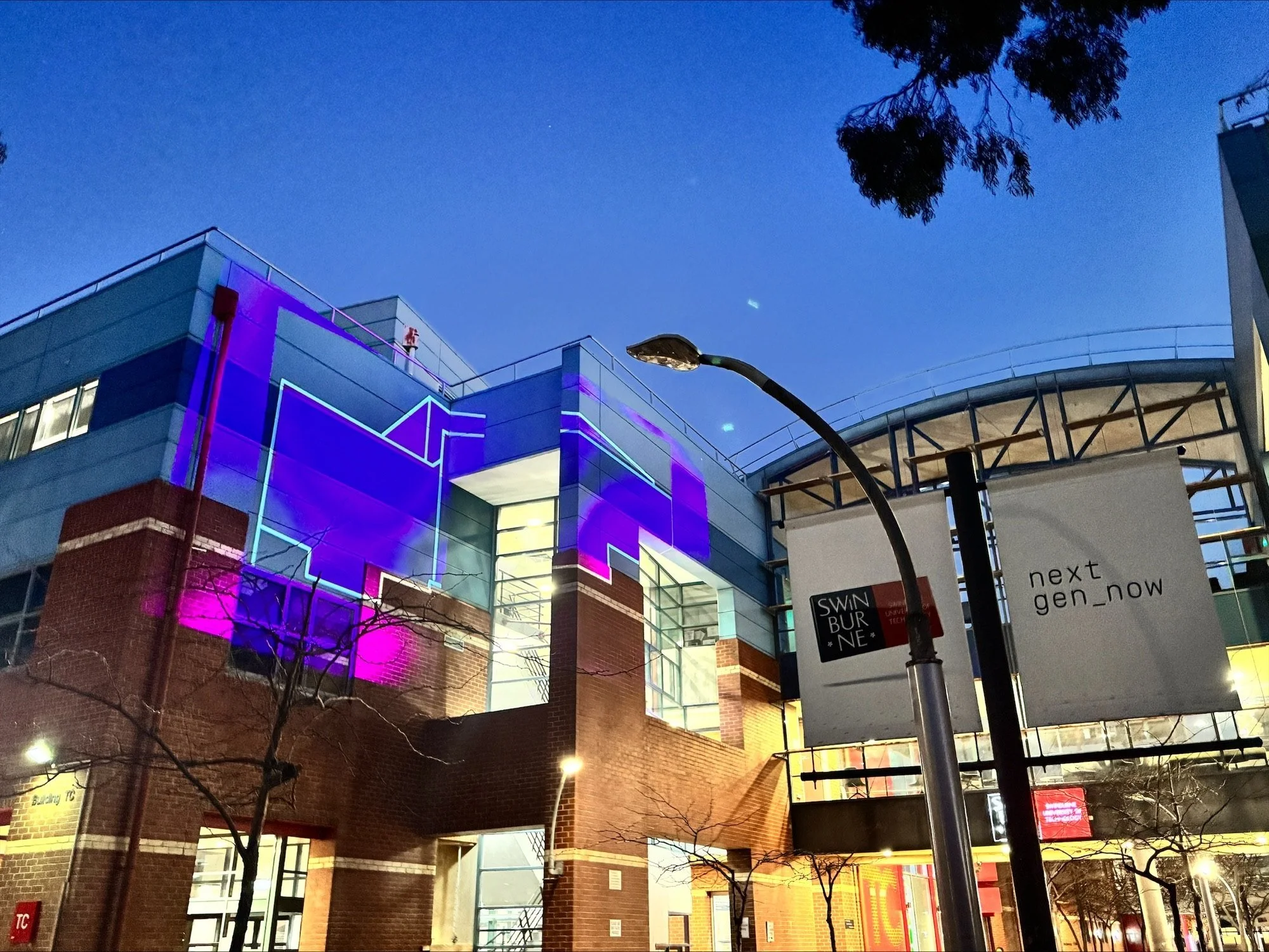
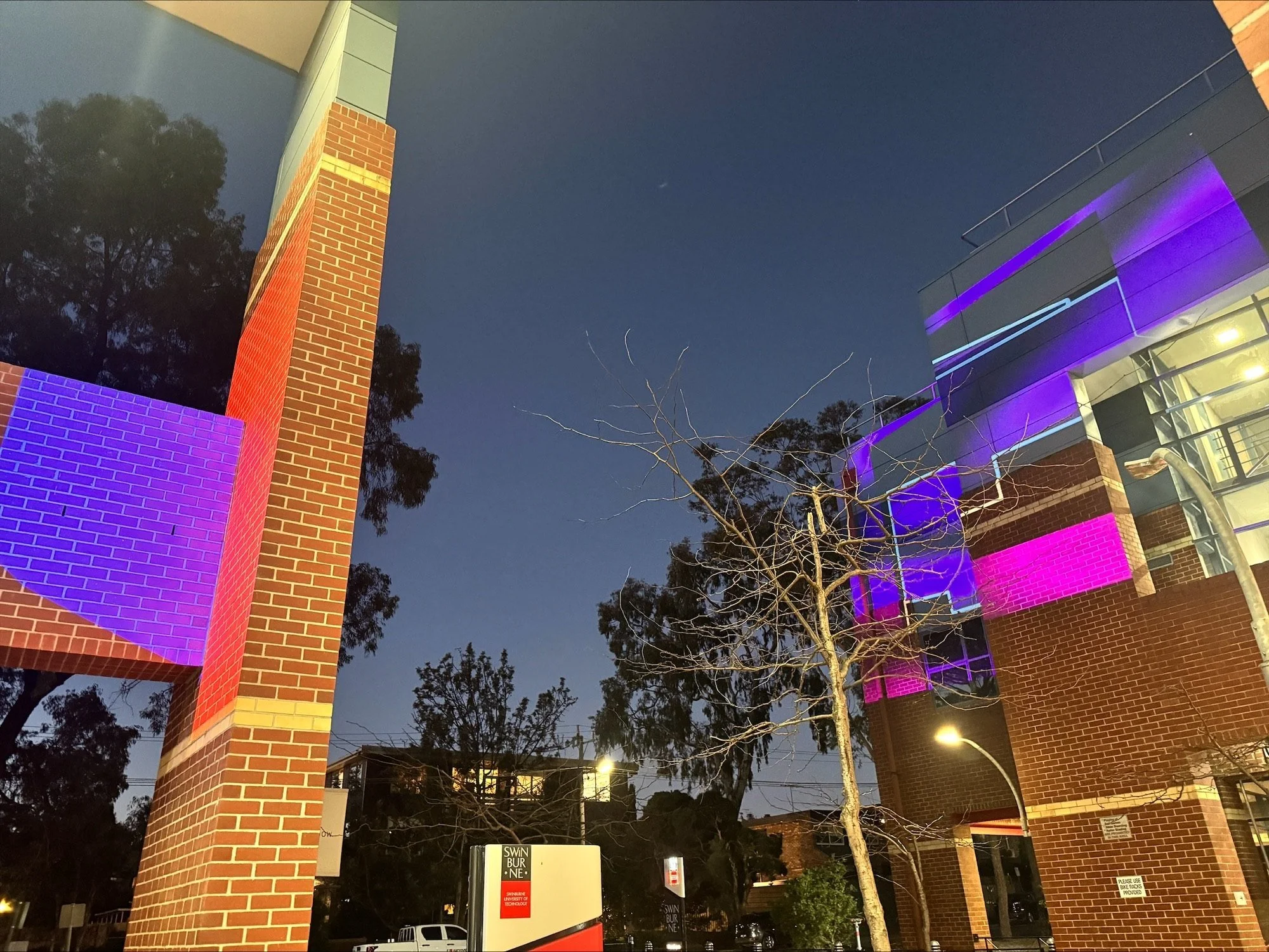
Swinburne University and the City of Greater Dandenong wanted their own staff to be able to make and run projection work: for teaching, for creative practice and research, and for the council's public art program. Not a demo. Two days with the kit in their hands, ending with something they had mapped themselves.
What we did
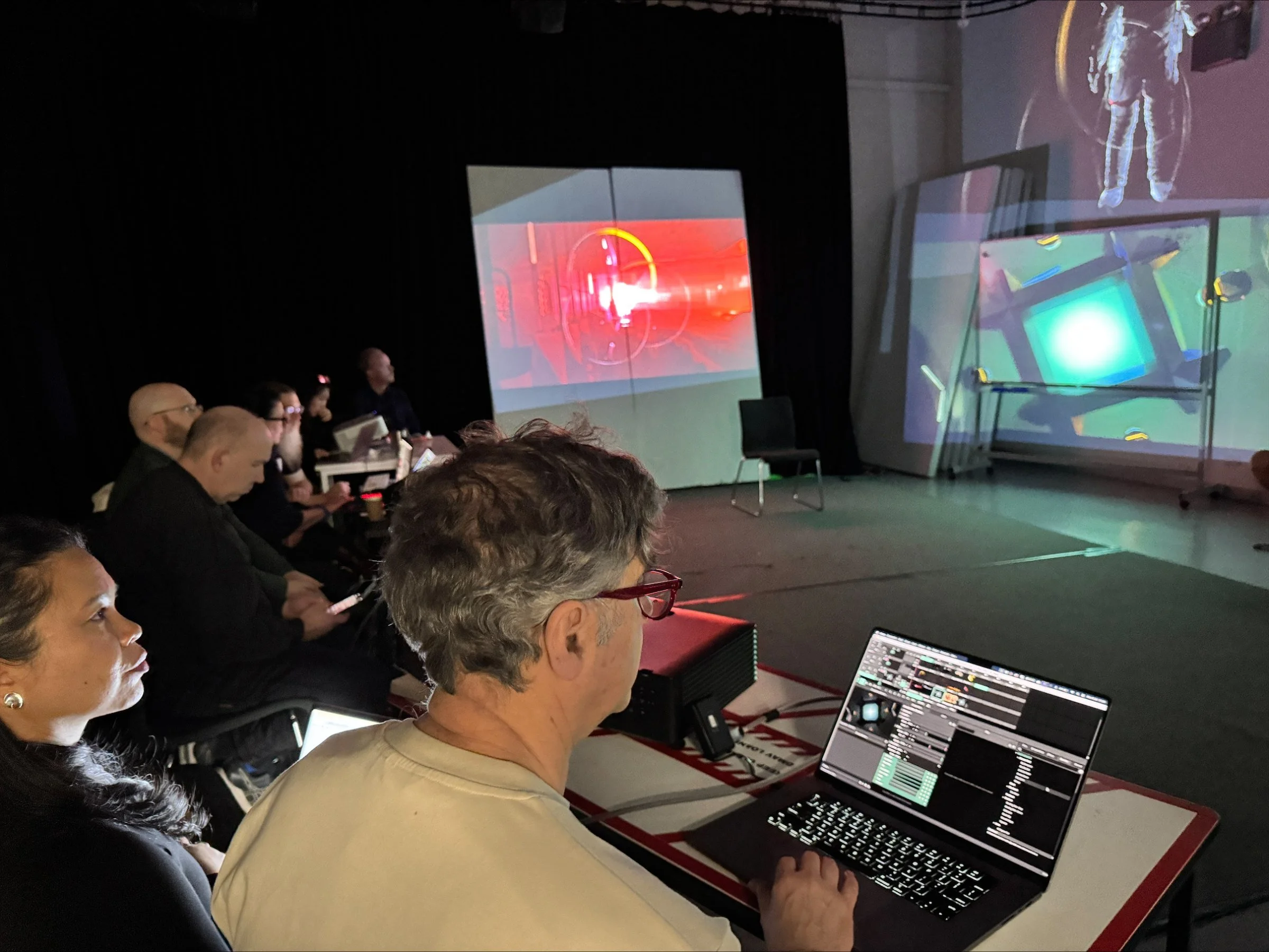
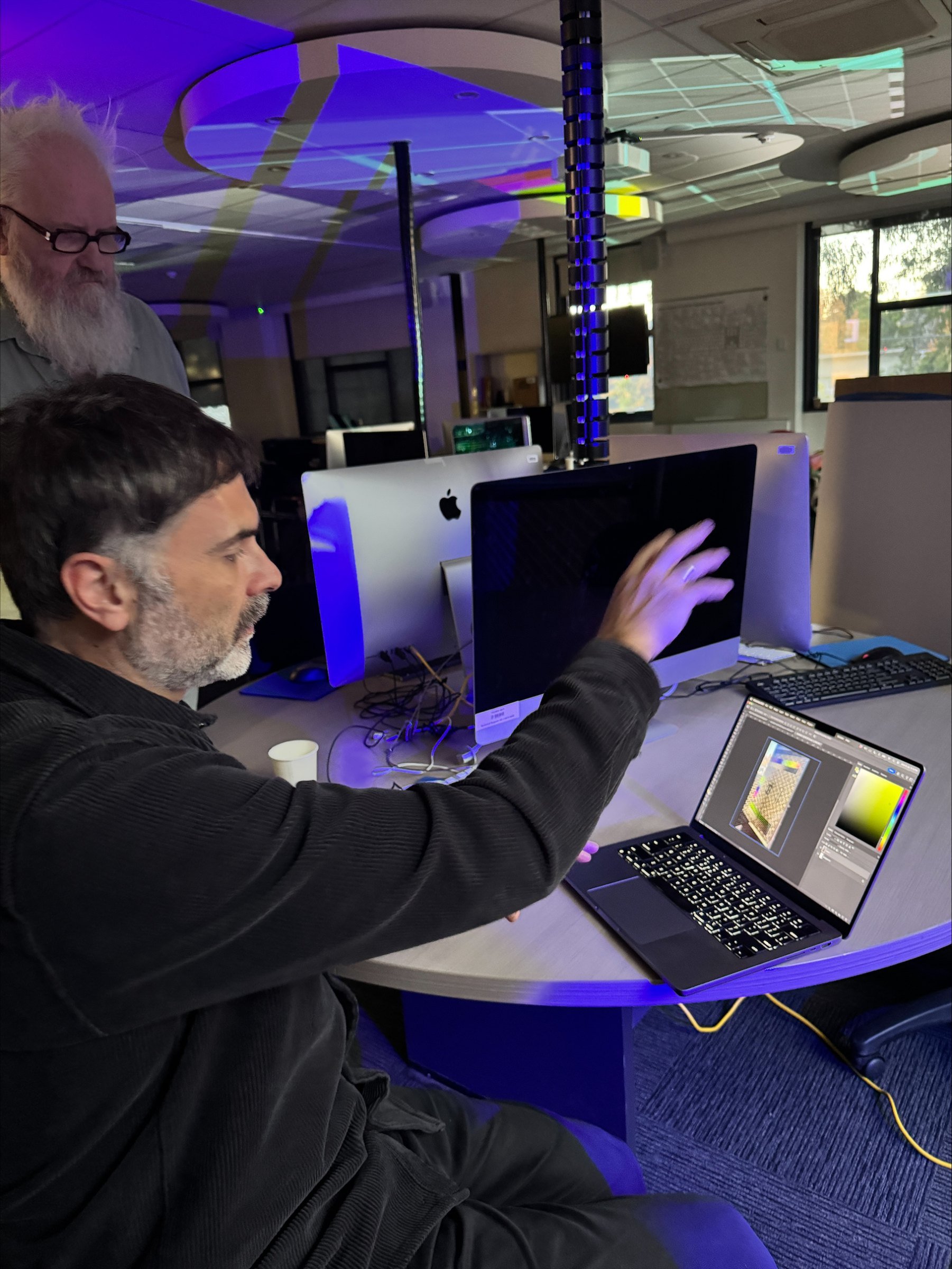
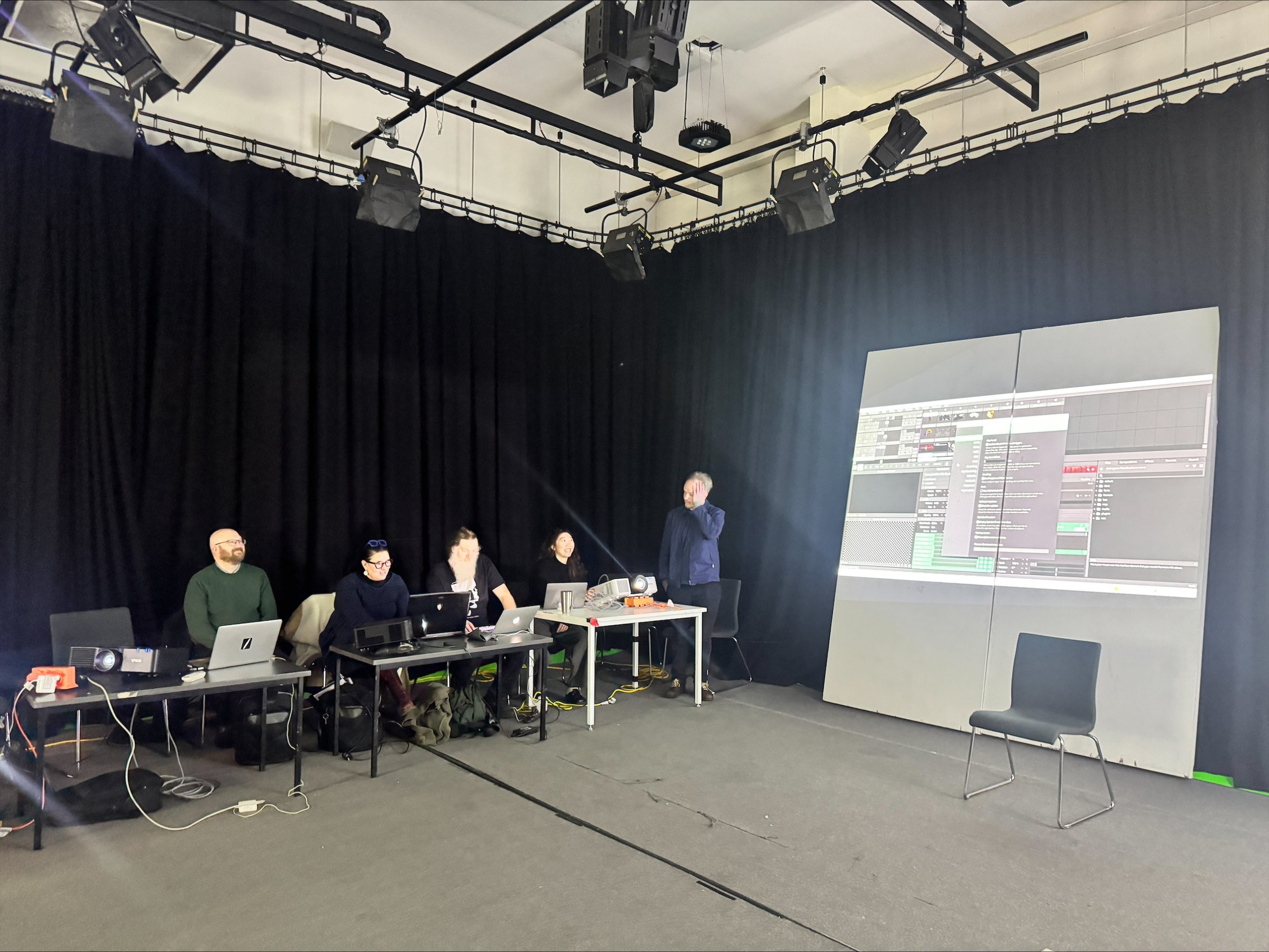
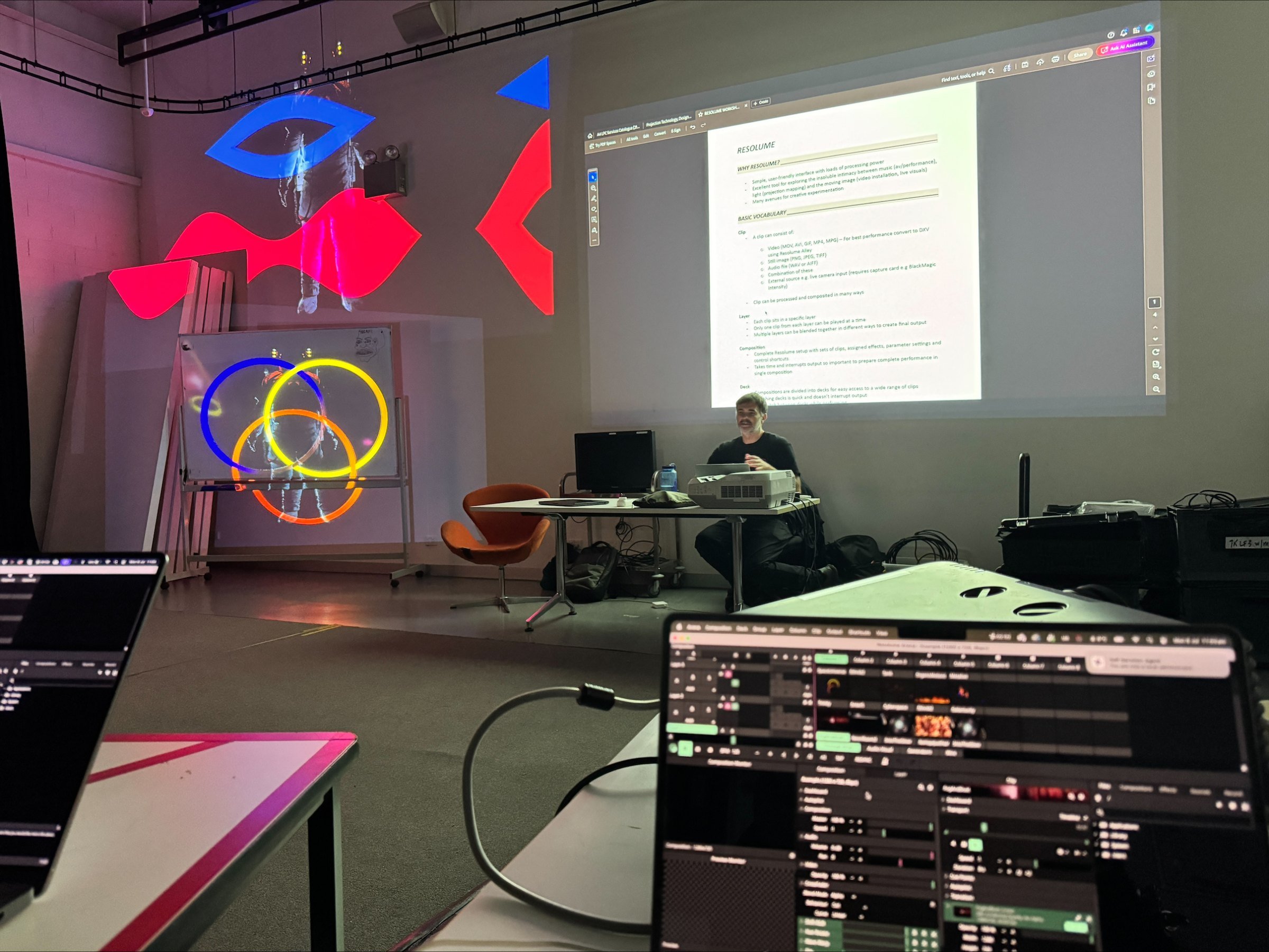
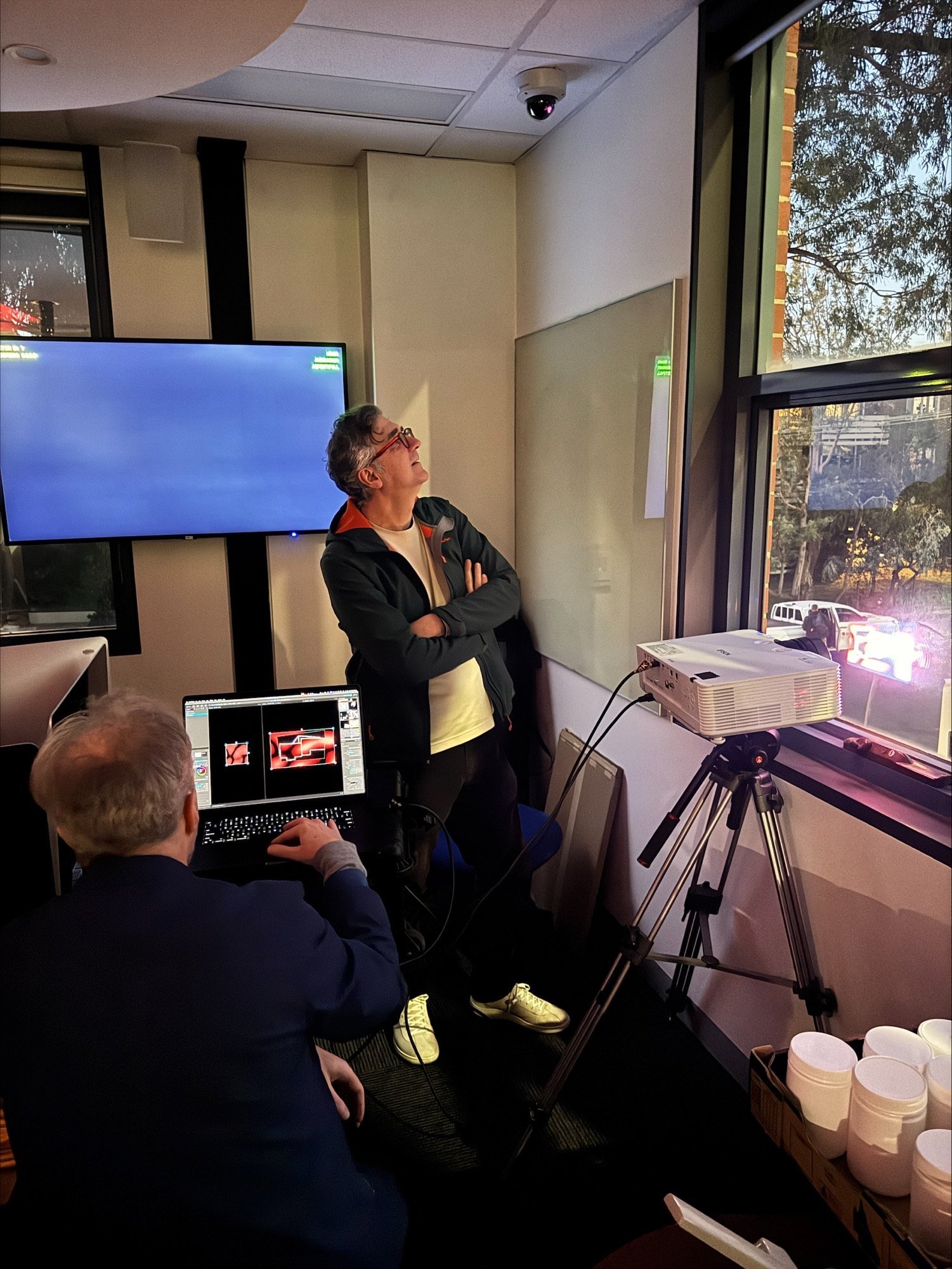
A two-day studio workshop at Swinburne on 6–7 July 2026 for 12 to 16 university and council staff, led by two LPC artist-technicians. Day one covered projector setup, configuration and troubleshooting, designing content for different surfaces, and media playback and multi-projector synchronisation. Day two was projection mapping workflows in Resolume and MadMapper, with Photoshop, Premiere Pro and Media Encoder for the content, plus cymatics and iPad live-drawing stations. Everyone finished a short projection project and presented it.
We brought the studio with us: three MacBook Pros with Resolume and MadMapper, four iPad Pros, three 7,000-lumen short-throw projectors and a 13,000-lumen projector, a cymatics kit, sound, and written instructions to take away.
Facts
Clients: Swinburne University · City of Greater Dandenong (Public Art Projects)
Place: Swinburne University
When: 6–7 July 2026
Participants: 12–16 university and council staff
What: Two-day projection technology, design and mapping workshop; kit supplied; final projects presented
Tools: Resolume · MadMapper · Adobe Photoshop, Premiere Pro, Media Encoder · cymatics · iPad live drawing
Credits
Clients: Swinburne University · City of Greater Dandenong · Workshop design and delivery: Little Projector Company · Photos: Swinburne University